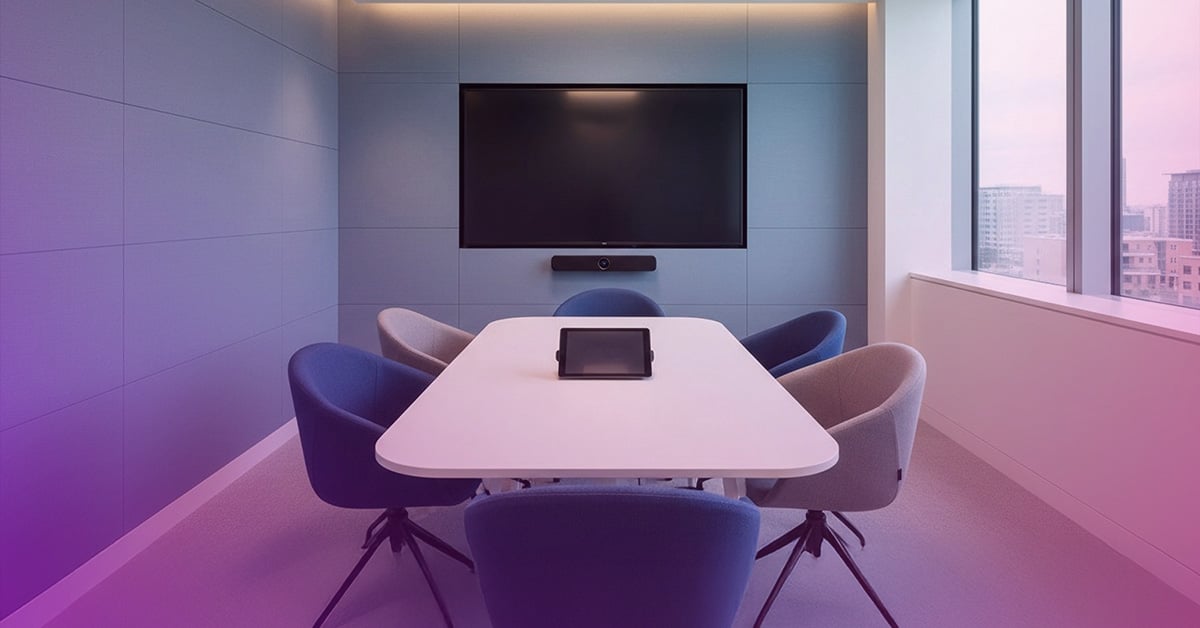
For many organisations, meeting room technology is viewed as a long-term investment. If the camera powers on, employees can join meetings, and the room appears to function normally, it can be tempting to delay replacement.
But modern meeting room devices are no longer just AV hardware.
Today's collaboration rooms are intelligent computing environments that rely on operating systems, cloud services, security updates, and ongoing certification with platforms such as Microsoft Teams and Zoom. As a result, a meeting room can appear to be working perfectly while quietly becoming less secure, less compatible, and more expensive to support.
The question is no longer "Does it still work?" but rather "Is it still supported and ready for what's next?"
The New Reality of Meeting Room Lifecycles
Historically, meeting room refresh decisions were driven primarily by the age of the hardware. Organisations would replace devices when they failed or when user complaints became too frequent.
That approach no longer aligns with how modern collaboration technology operates.
Many Microsoft Teams Rooms systems rely on Android-based devices. These devices have defined lifecycle timelines tied to Android operating system support, security updates, and Microsoft's certification programme. Once certification expires and support periods end, organisations may face increased security risks, compatibility issues, and reduced access to new collaboration features.
Why This Matters Right Now
The importance of collaboration technology continues to grow as hybrid work becomes a permanent part of the modern workplace.
Research highlighted in the report shows New Zealand's Unified Communications market is expected to grow significantly by 2030, reflecting increased investment in collaboration tools and workplace technology. As organisations continue to modernise their environments, meeting room solutions are becoming critical business infrastructure rather than one-time technology purchases.
With collaboration platforms evolving rapidly, businesses need a strategy that ensures meeting spaces remain secure, scalable, and aligned with future requirements.
The Risks of Delaying a Refresh
When collaboration devices move beyond their supported lifecycle, organisations may experience challenges that extend beyond the meeting room itself.
Common issues include:
- Security updates reaching end of support
- Reduced compatibility with evolving collaboration platforms
- Increased IT resources spent troubleshooting older devices
- Inconsistent user experiences across meeting spaces
- Limited access to new productivity and collaboration features
While these issues may not be immediately visible, they often create operational inefficiencies and frustration for both IT teams and end users.
Taking a Lifecycle-First Approach
Rather than waiting for devices to fail, forward-thinking organisations are adopting a lifecycle management strategy.
HP Poly advocates a proactive approach by providing Android device lifecycle guidance, ongoing firmware updates, and continued certification support for major collaboration platforms. Through Poly Lens, IT teams can gain visibility into device health, firmware status, and software versions across their collaboration environment.
This visibility enables organisations to identify potential risks early and build refresh plans before support challenges impact users.
A Smarter Refresh Strategy
A successful refresh doesn't necessarily mean replacing every meeting room at once.
Consider the example of an organisation that accumulated a mix of collaboration devices over several years. Although all rooms appeared operational, the devices were spread across different support and certification timelines.
Instead of undertaking a costly full replacement programme, the IT team audited its meeting room estate and categorised devices into three groups:
- Continue to Support
- Monitor
- Refresh
This phased approach allowed the organisation to prioritise investment, standardise user experiences, and reduce the risk of unexpected end-of-support challenges.
Five Questions to Ask Before Your Next Meeting Room Refresh
Before planning your next upgrade, consider the following:
- Are your current meeting room devices still fully supported?
- Are refresh decisions based on software lifecycle as well as hardware age?
- Can you standardise platforms to simplify management and support?
- How well does your collaboration technology integrate with the broader workplace ecosystem?
Are your solutions backed by a clear product roadmap and lifecycle strategy?
Future-Proof Your Collaboration Spaces
Refreshing meeting rooms is no longer simply about replacing aging hardware.
It's about ensuring your organisation can continue to deliver secure, seamless, and productive collaboration experiences as technology evolves. By taking a lifecycle-first approach, organisations can minimise risk, simplify management, and build meeting environments that are ready for the future.
The organisations that plan ahead will be better positioned to support hybrid work, maximise technology investments, and provide a consistent meeting experience for every user, in every room.
Any questions? Contact uc.sales@dickerdata.co.nz
What to read more?
Read Episode 2 Here!