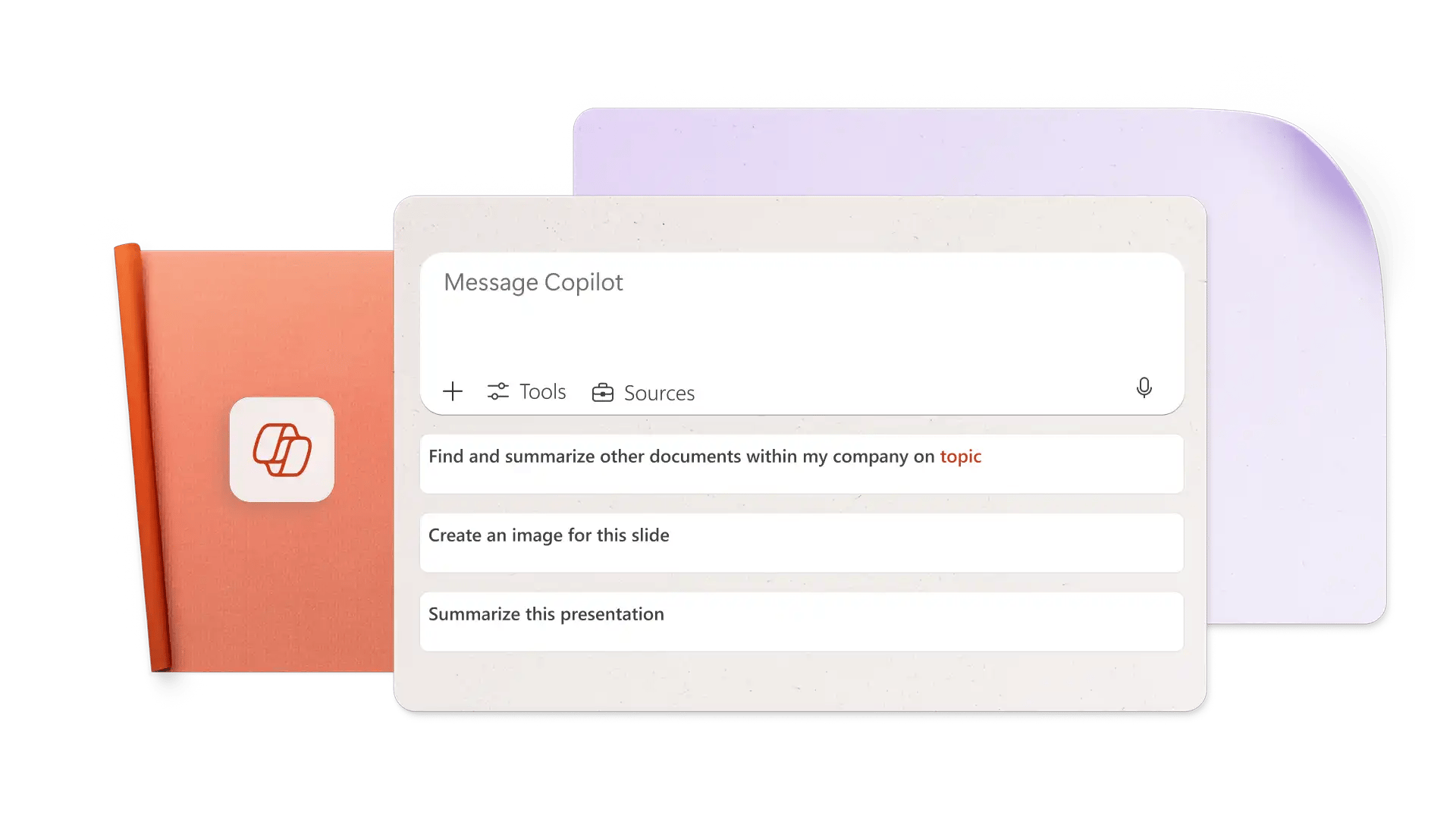
Designed for both partners and end-users, this live session will help you turn your ideas, documents, and data into compelling presentations faster with Microsoft 365 Copilot.
Whether you're starting with a report, a spreadsheet, or a blank slide, Copilot can help you create engaging, professional presentations in minutes. In this practical session, you'll discover how to transform existing content into polished, brand-aligned presentations while spending less time building slides and more time focusing on your message. Inspired by practical Copilot PowerPoint use cases and presentation creation workflows.
What Attendees Will Learn
Create a presentation from an existing document or file
Turn spreadsheet data into clear, compelling visual stories
Keep presentations consistent with Brand Kits and company branding
Enhance slides with interactive and engaging content
Refine messaging, design, and flow using Copilot
Save time creating professional presentations without starting from scratch
Why Attend?
PowerPoint is where ideas come to life, but building great presentations can be time-consuming. Learn how Microsoft 365 Copilot can help you move from content to presentation faster, simplify slide creation, and elevate the quality of your work.
By the end of this session, you'll have practical techniques you can use immediately to create better presentations, communicate insights more effectively, and get more value from Microsoft 365 Copilot.
Who Should Attend?
This webinar is ideal for Microsoft 365 Copilot users who regularly create presentations, share business updates, communicate project outcomes, or present data and insights to colleagues, customers, and stakeholders.
Details |
|
| 1:00pm - 1:45pm | |
| 23 November 2026 | |
| Live Teams Webinar | |