



1024-tidy


Title


365-LOGO
 
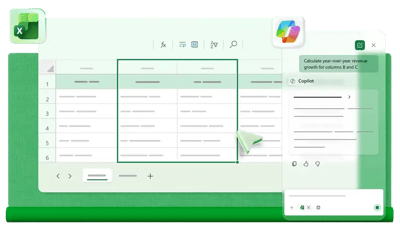
 Join Microsoft and 365 Training Hub to discover the latest innovations in Microsoft Copilot and see how new AI-powered capabilities can help you work smarter, save time, and get more value from your Microsoft 365 apps. 

This free end-user training session highlights what's new, how these features can be applied in real-world business scenarios, and the practical benefits they can deliver in your day-to-day work.

Designed for both partners and end users, we encourage you to invite your colleagues and end users to attend, using the invite below.

What Attendees Will Learn: 

Attendees will gain a practical understanding of what Copilot can do within Excel, where it can add the most value, and the limitations and risks to be aware of when working with business data.
 
This session also highlights the importance of taking a structured approach to using AI, helping users achieve more reliable, accurate, and meaningful results.

Attendees will see how to: 

Artboard 10

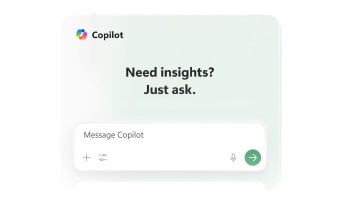
Understand the difference between Copilot’s Chat mode and Edit mode in Excel.
Artboard 11

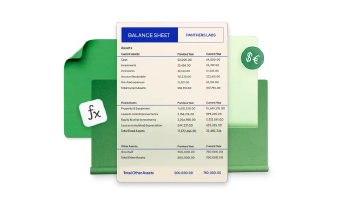
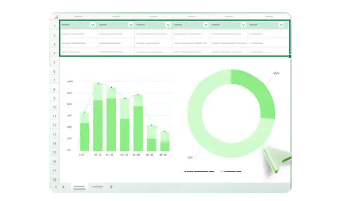
Use Copilot to clean and tidy data more quickly.
Artboard 12

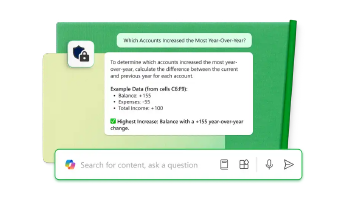
Ask Copilot to explain common Excel issues in plain English.
Artboard 13

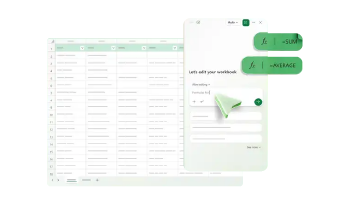
Use Copilot to help create formulas, formatting, summaries, or simple visual outputs.
Artboard 14

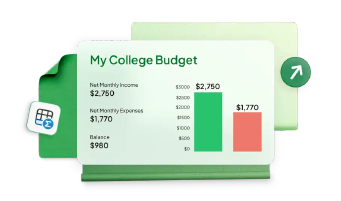
Turn existing worksheet results into a clear business summary.
Artboard 15

Apply a safe workflow for using Copilot: create the facts, check the results, then relay the story.

Event Details


Calendar

Monday 31st August 2026

Clock

1:00 PM

Pin

Teams Meeting (Online)

Who should attend

This session is designed for business users who work with Excel and want to better understand how Microsoft Copilot can help them save time, explore and analyse data, and communicate insights more effectively.
business3
 

Register Now

Fill in the form below to register for this workshop